Spreadsheet templates for work that continues offline.
Download practical Excel and Google Sheets templates connected to the calculators on this site. Each available template is connected to an active calculator workflow.
Free TemplatesNo Signup RequiredLinked to Calculators
Each template links back to its calculator workflow
BusinessFree
Amazon FBA Profit Calculator
The offline, editable version of the Amazon FBA Profit Calculator: net profit, margin, ROI, break-even price, target-margin and target-ROI pricing, a seller-plan comparison, and a price sensitivity table from one product's inputs.
Net profit, margin & ROI matching the live calculator's formulas
Break-even, target-margin & target-ROI pricing side by side
Professional vs. Individual seller-plan comparison
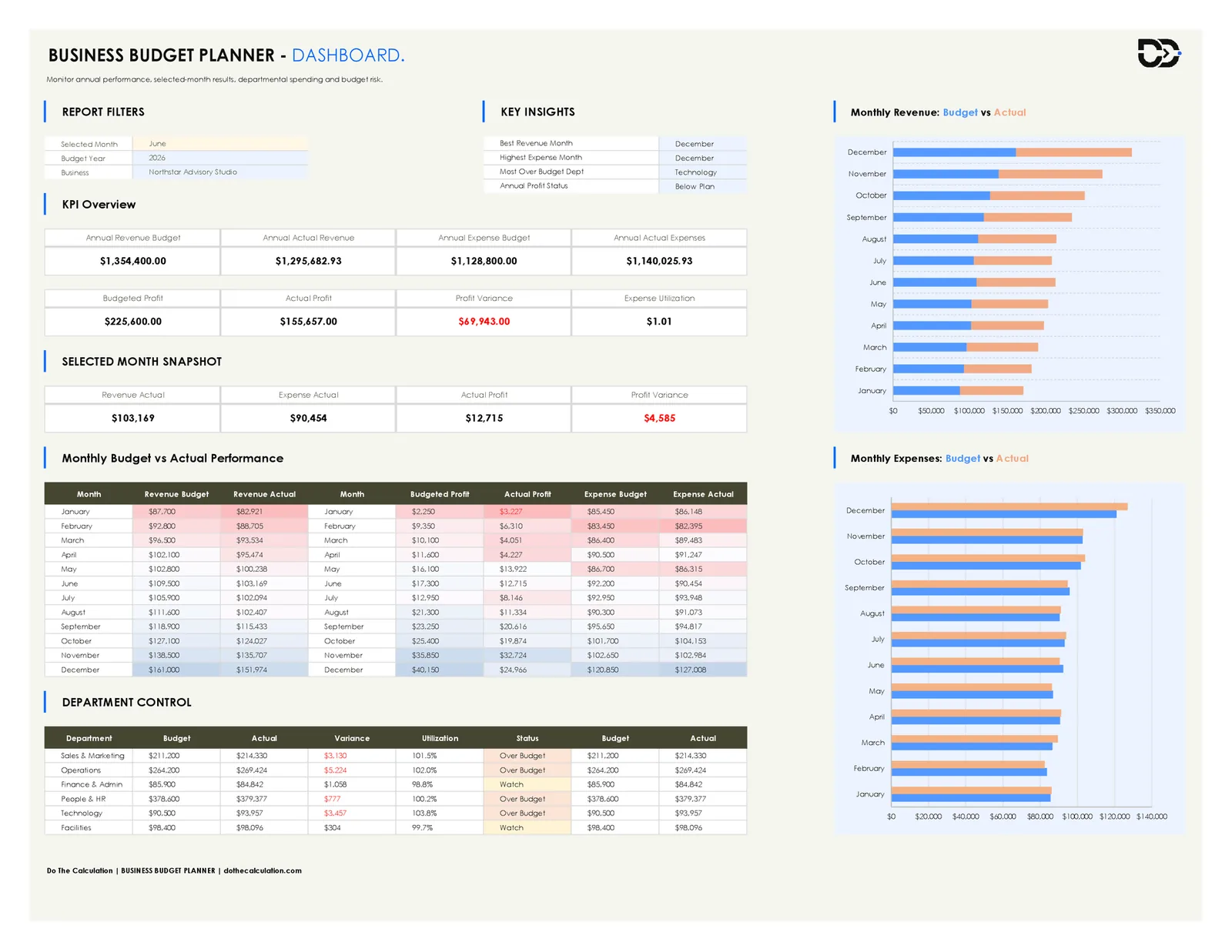
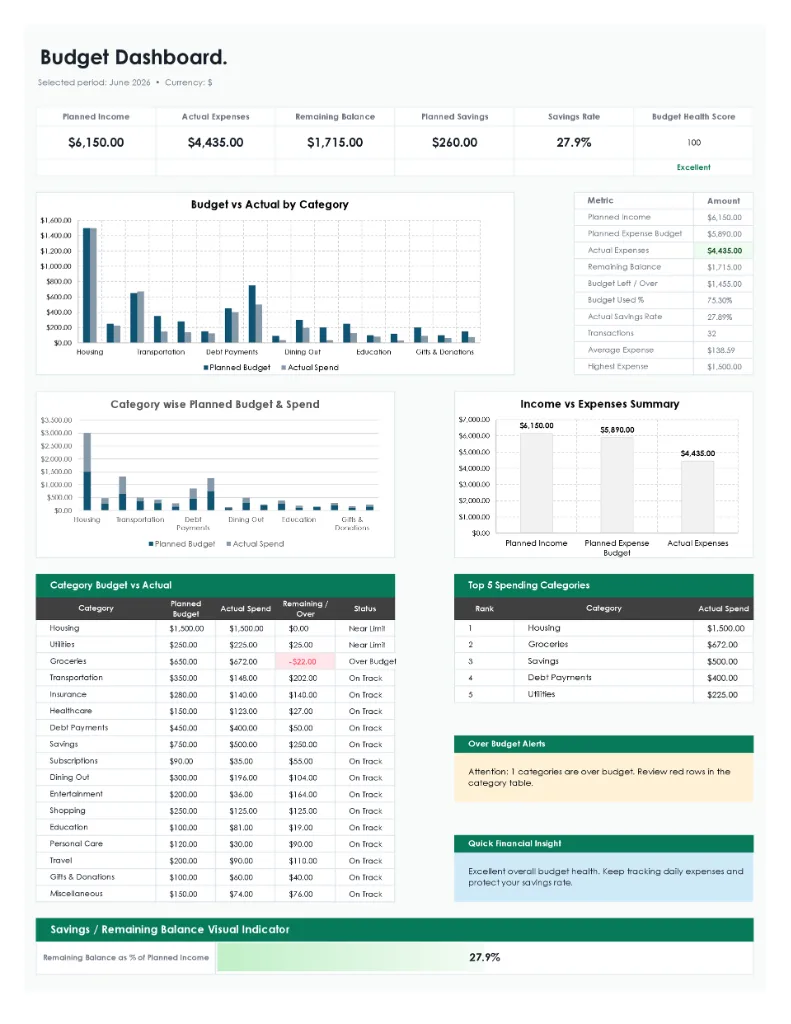
A connected workbook for planning annual revenue and department budgets, logging actuals, and reviewing budget vs. actual variance on a management dashboard.
A connected workbook for logging crypto trades, tracking cost basis and holdings, comparing allocation to targets, estimating FIFO/LIFO tax lots, and stress-testing your portfolio against market scenarios.
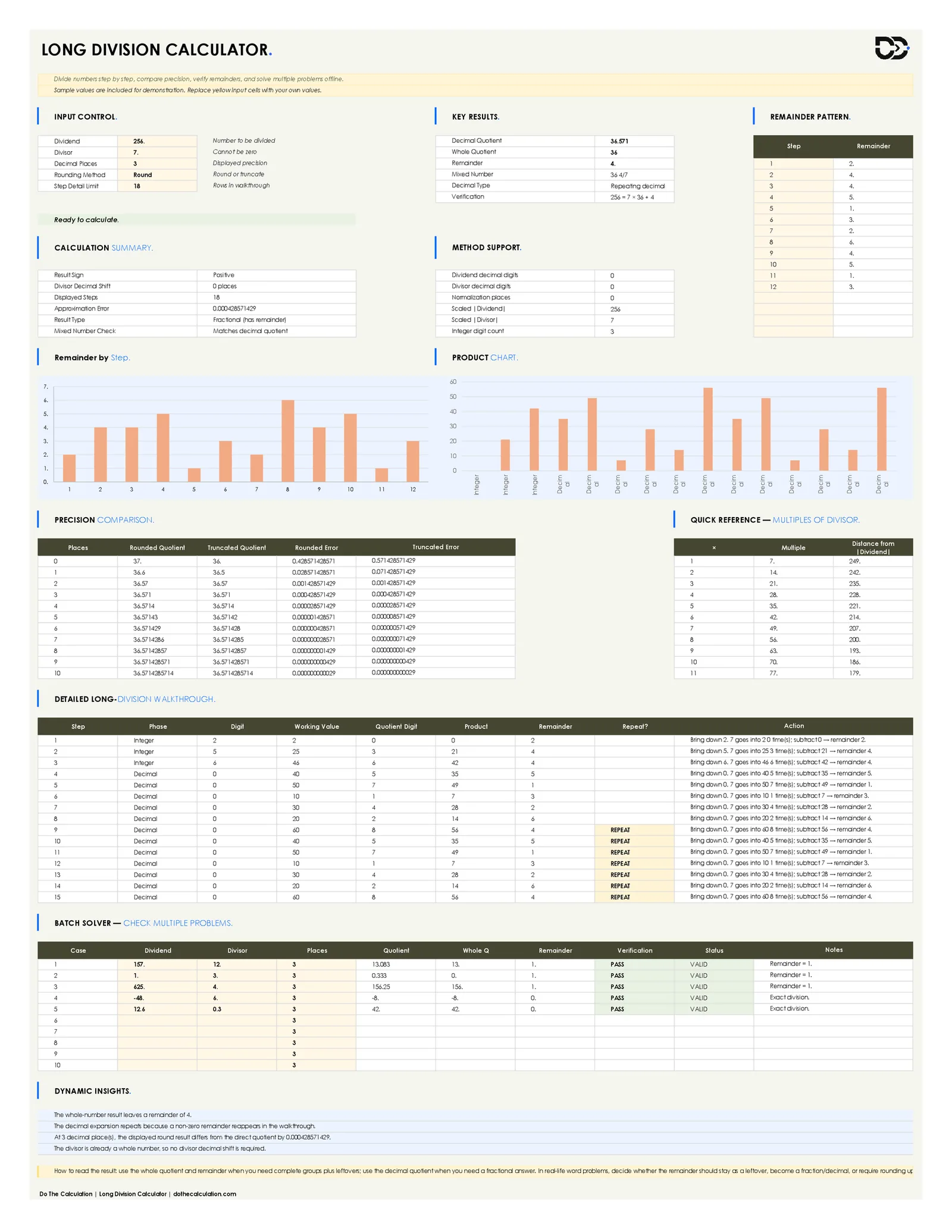
A step-by-step long division workbook that shows the full digit-by-digit walkthrough, detects repeating and terminating decimals, and verifies every result.
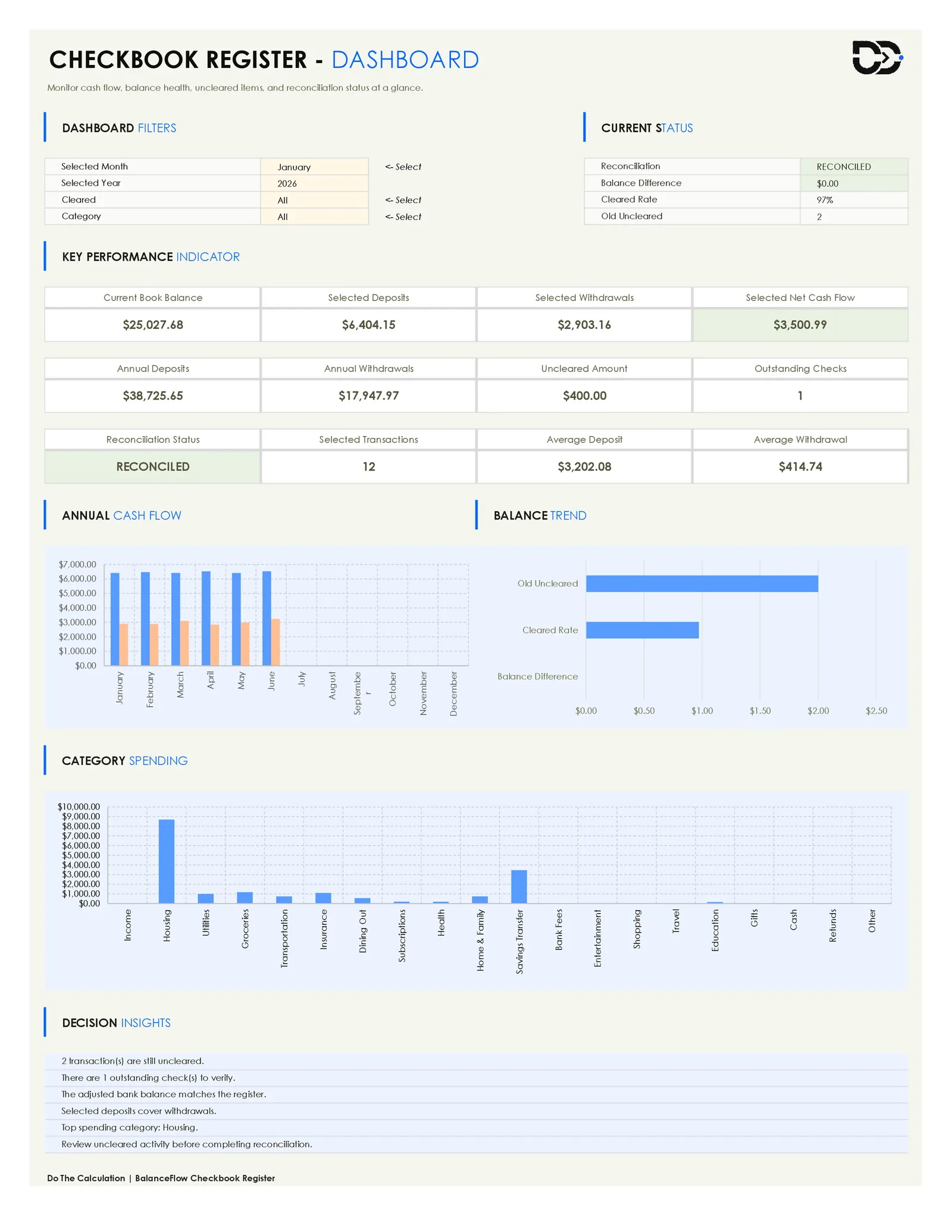
A connected workbook that logs income and bills by the date they actually happen, carries a running balance forward automatically, and projects that balance week by week so low-balance weeks show up before they become overdrafts.
A single-purpose workbook that turns two coordinate points into slope, angle, distance, midpoint, and the line equation in three forms, with a reverse solver, scenario comparison, and a visible QA audit trail.
Slope, angle, distance & midpoint from two points
Slope-intercept, point-slope & general standard form equations
Templates should extend calculator workflows, not compete with them.
A user can calculate online for speed, then download a spreadsheet when they need offline planning, sharing, or deeper customization.
Calculate online
Use the calculator for quick inputs, instant results, and formula clarity.
Download a workbook
Move the workflow into Excel or Google Sheets when the user needs offline analysis.
Return through links
Template cards link back to calculators, improving navigation and internal SEO.
Related calculators
Calculators behind these templates
Every workbook on this page has a matching online calculator. Start there for a quick answer, then download the template when you need to save or share the numbers.
Download requirements, file formats, Google Sheets support, editing, and how the templates relate to the online calculators.
Accuracy note
Templates produce planning estimates. Confirm final figures with your lender or provider before making a commitment.
Are these Excel templates really free?
Yes. Every template listed here is free to download, with no account, email address, or payment required. You can open the file immediately after downloading and keep using it offline for as long as you like.
Do the templates work in Google Sheets as well as Excel?
Yes. Each template is an .xlsx workbook, which both Microsoft Excel and Google Sheets can open. To use one in Google Sheets, upload the downloaded file to Google Drive and open it with Sheets. Formulas, tables, and the payment schedules carry over; very heavily formatted charts can occasionally render slightly differently between the two applications.
Can I edit the formulas and change the layout?
Yes. The workbooks are unlocked, so you can change formulas, add rows and columns, rename categories, and adjust the layout to match how you plan. If you overwrite a formula by mistake, download a fresh copy of the template and start again.
What is the difference between a template and the online calculator?
The calculator is built for speed: enter a few values and read the result instantly in the browser. The template is built for planning: it lets you save scenarios, keep a record over time, share the file with someone else, and work without an internet connection. Every template on this page links back to its matching calculator so you can move between the two.
Do I need a recent version of Excel to use them?
No. The templates rely on standard spreadsheet functions rather than newer dynamic-array features, so they work in current and older desktop versions of Excel, in Excel for the web, and in Google Sheets.
Can I use these templates for client or commercial work?
Yes. You can use the templates for personal planning or inside your own business, and you can adapt them for work you do with clients. Please do not resell the files themselves or redistribute them as your own product.
How accurate are the calculations in the templates?
The workbooks use standard financial formulas, and the figures match the equivalent online calculator for the same inputs. They produce estimates for planning purposes. Actual figures from a lender or provider can differ once fees, insurance, taxes, and product-specific rules are applied, so confirm final numbers before making a commitment.